

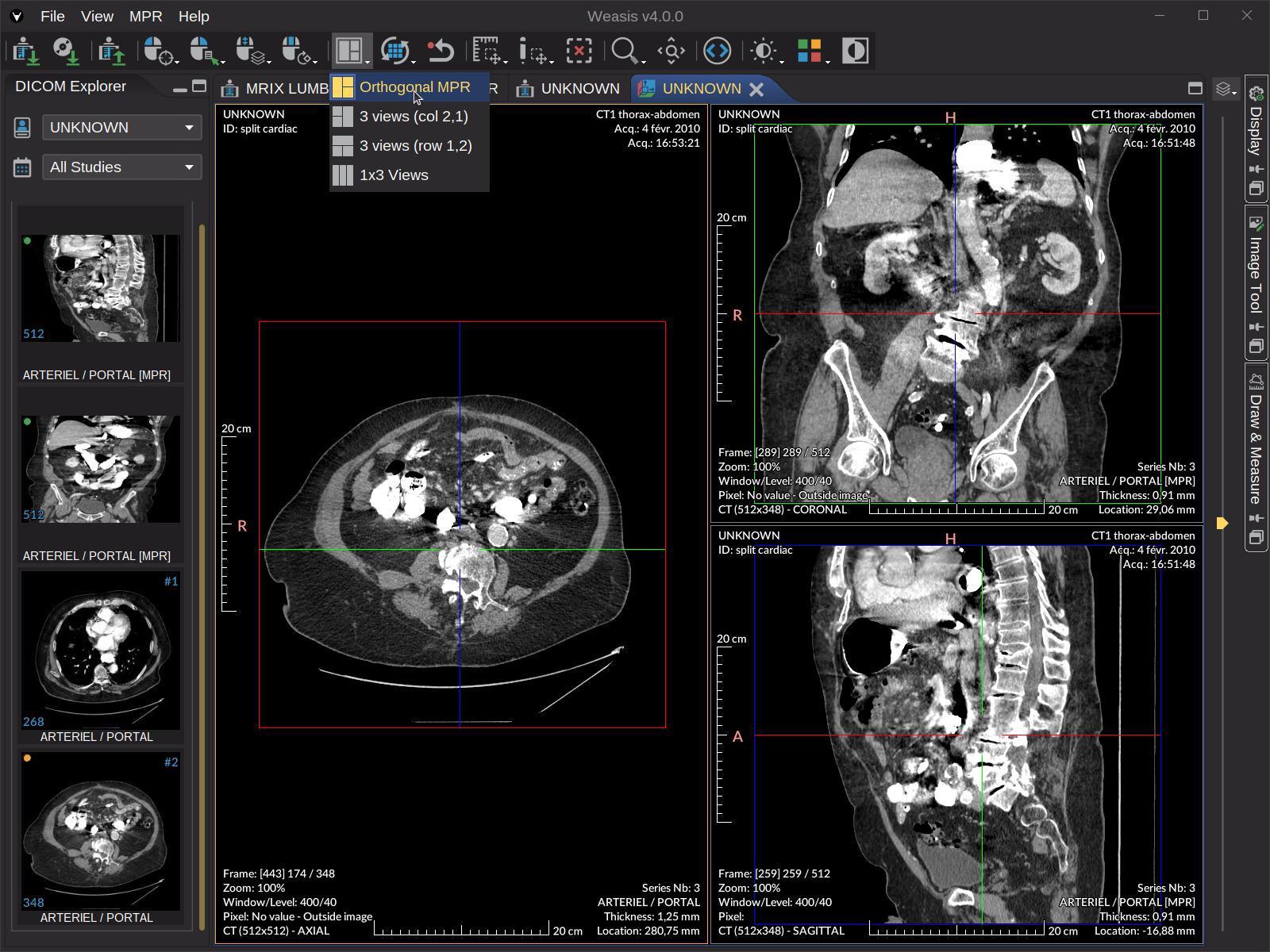
Medical imaging generates a lot of sensitive data. Every scan, every file, every image carries patient details baked right into it. And when it’s time to share those images, whether for research, vendor testing, or teaching, you need to strip that information out first.
That’s the core of DICOM de-identification, and if you work in radiology, you’ve probably wrestled with it at least once.
Tools like a DICOM viewer library often come up in these conversations, especially when teams need to inspect, modify, or batch-process image headers before handing files off. But the tool is just one piece of the puzzle.
The bigger challenge is understanding what needs to go, how to do it consistently, and what can go wrong.
What Exactly Is in a DICOM File?
A DICOM file isn’t just a picture. It contains metadata, which is basically structured information wrapped around the image itself. That metadata can include:
- Patient name
- Date of birth
- Medical record number
- Physician name
- Institution name
- Accession numbers
- Study dates
Some of this sits in well-known header tags. But some of it can be buried in private tags or even burned into the image pixels themselves. That last part is what catches a lot of teams off guard.
The Common Approaches Radiology Teams Use
Manual tag editing is the most hands-on option. Someone goes into the DICOM file and modifies or deletes specific tags one by one. It works for small batches, but it’s slow and prone to human error. Miss one tag, and you’ve got a problem.
Automated de-identification tools are far more common in busy radiology departments. Software like DICOM Confidential, Horos plugins, or tools built into PACS systems can handle bulk processing with defined rules. You set the profile once, run it across a dataset, and most of the heavy lifting is done.
Scripted pipelines are popular with more technical teams. Using libraries like pydicom in Python, you can write scripts that apply specific rules, handle edge cases, and log everything. This approach gives you the most control, especially if you’re working with research datasets that need very specific anonymization logic.
And then there’s the DICOM standard itself. The standard includes defined profiles, specifically in Part 15, Annex E, for how de-identification should be done. Teams that follow these profiles closely tend to be in better shape when it comes to compliance reviews.
What People Often Miss
Burned-in text is a real headache. Some older scanners, or certain workflow configurations, write patient information directly onto the image pixels. No tag editing in the world will remove that. You need separate tools or manual redaction to handle it.
Private tags are another blind spot. DICOM allows vendors to store custom information in private tags, and these tags aren’t always documented. A de-identification tool might clean up all the standard tags and leave private ones untouched. Depending on what’s in them, that could still be a privacy issue.
Audit trails also matter. If you’re de-identifying for research and something goes wrong later, you need to know exactly what rules were applied, when, and to which files. Logging isn’t optional, it’s a safeguard.
Compliance Isn’t One-Size-Fits-All
HIPAA in the US has specific rules around what qualifies as de-identified data. The Safe Harbor method lists 18 identifiers that need to be removed. The Expert Determination method is more flexible but requires documented statistical analysis.
If you’re in the EU, GDPR adds another layer. And if you’re working with data that crosses jurisdictions, you may need to satisfy multiple frameworks at once. That’s worth thinking through before you build your de-identification workflow.

A Few Practical Tips
- Test your pipeline on sample data before running it on anything real.
- Verify the output with a DICOM viewer to confirm tags are actually gone.
- Document your de-identification profile so it’s repeatable and auditable.
- Ask your PACS vendor if they have built-in de-identification features. Many do.
De-identification isn’t a one-time task. It’s a process that needs to be reliable, documented, and reviewed over time. The stakes are high, and the details matter.